Find the failures worth fixing
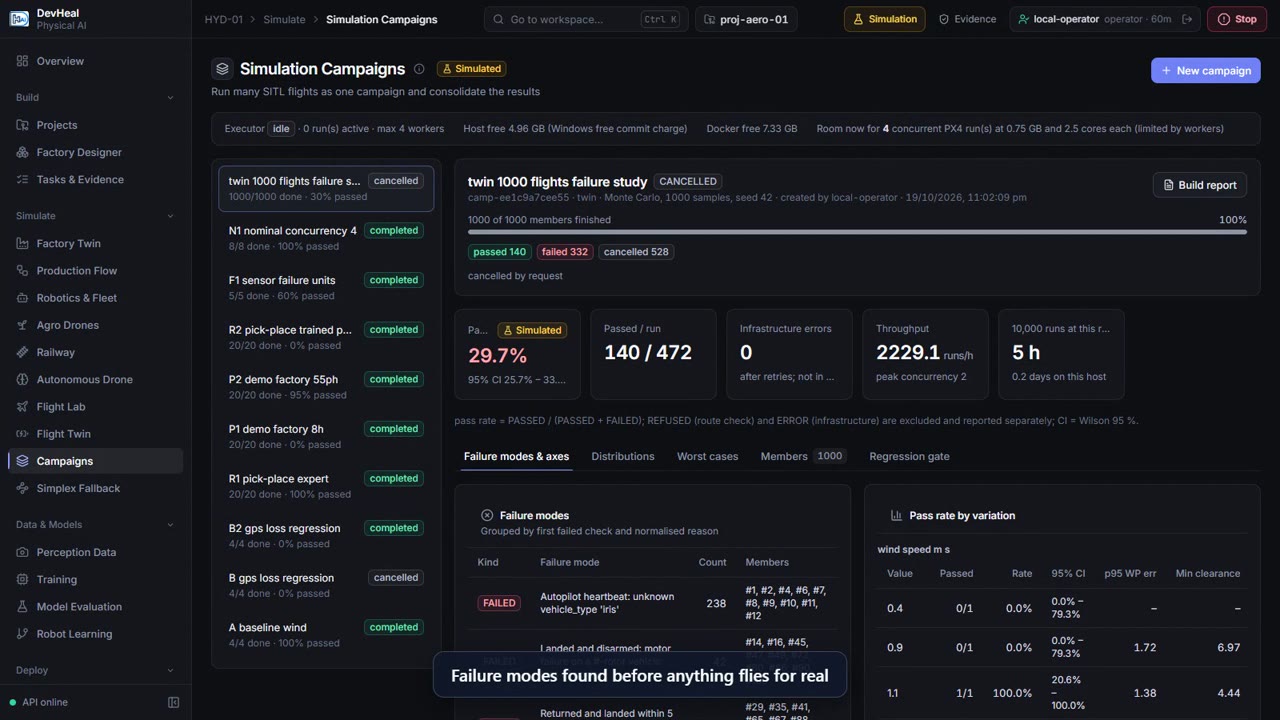
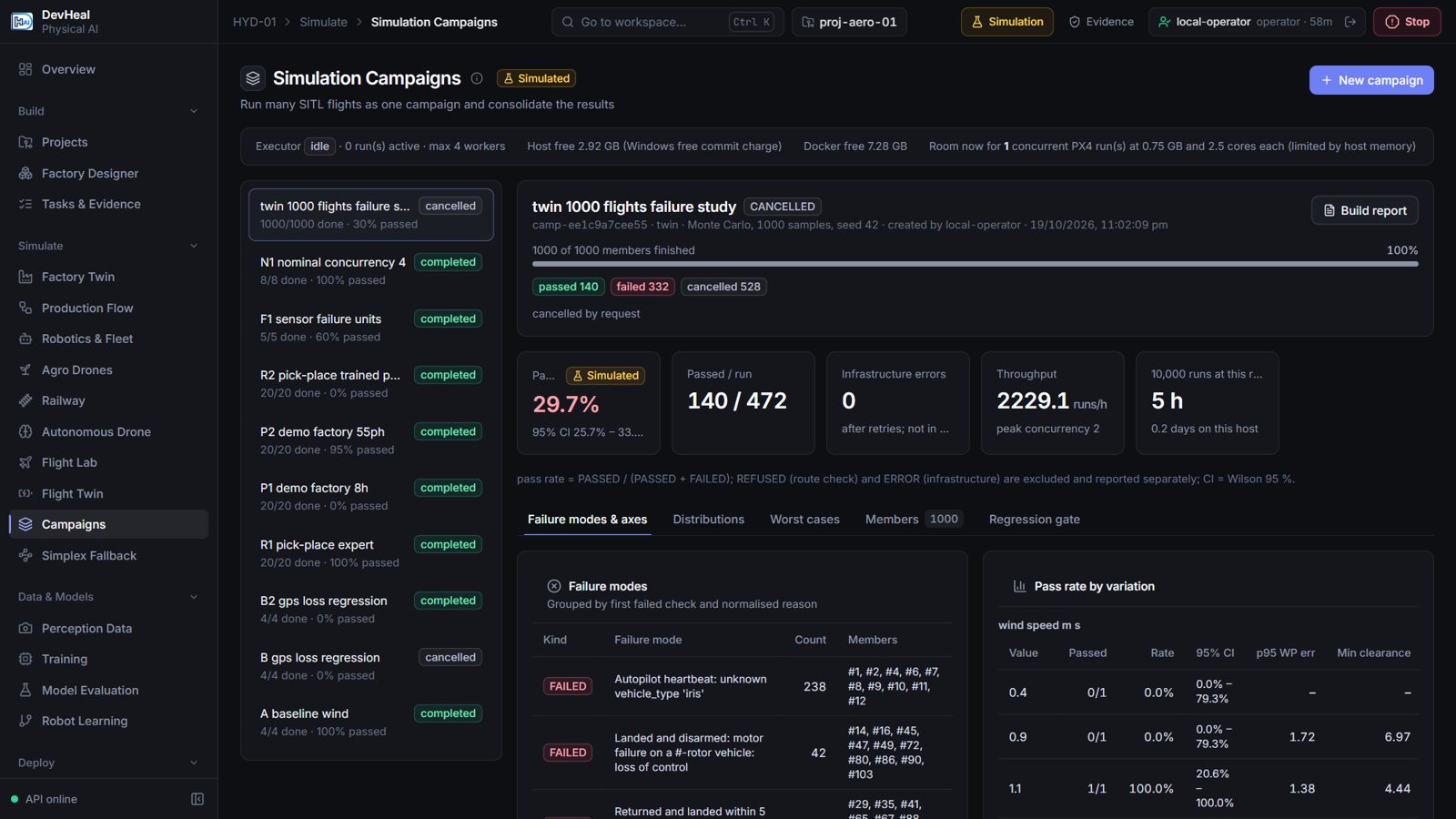
Run repeatable simulation campaigns and examine failure modes, worst cases and regression results.
Connect simulation, perception data, model training, evaluation and controlled releases. Give engineering teams the evidence they need to move from an idea to a supervised trial.
Built in Hyderabad. Open to enterprise, technology and research partnerships.
Recorded demonstrations from the DevHeal console. Each workflow below includes a description and a playable simulation video.
Run repeatable simulation campaigns and examine failure modes, worst cases and regression results.
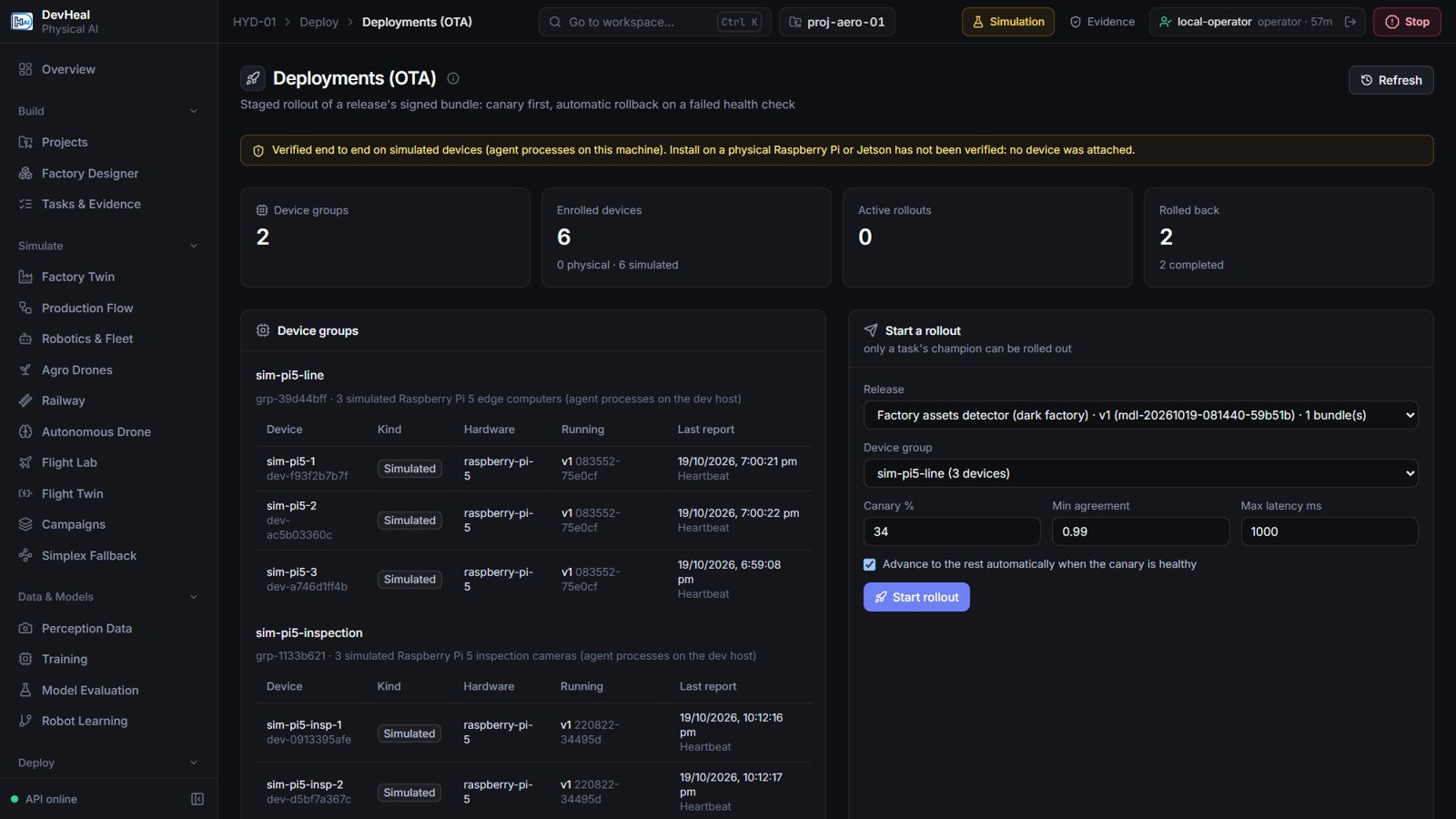
Compare candidate models, stage device rollouts and inspect rollback behaviour before wider deployment.
Inspect software stop controls, hazard records and signed audit evidence in the simulation workflow.
Examine how a fallback controller responds when the AI controller exceeds its operating boundaries.
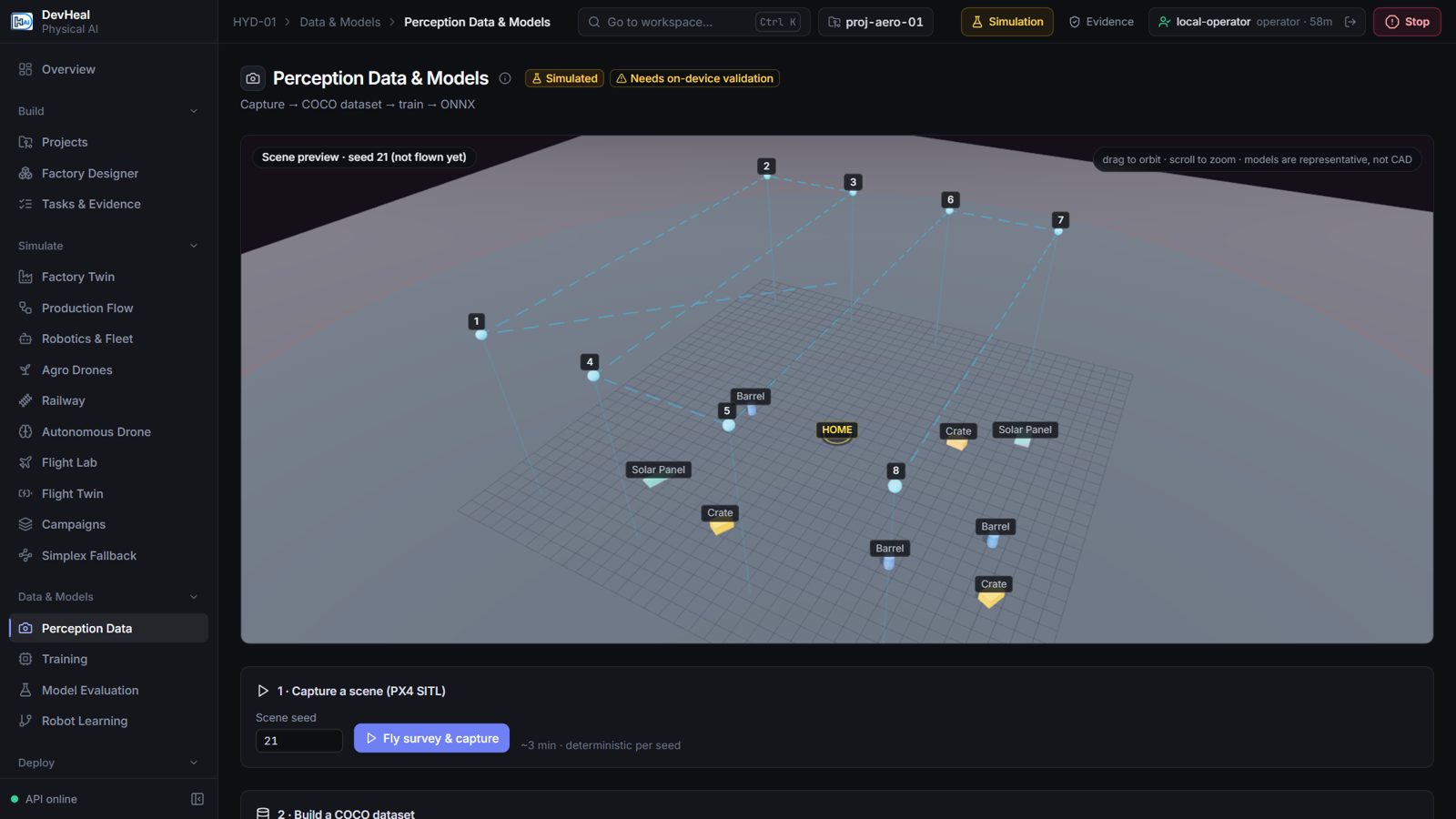
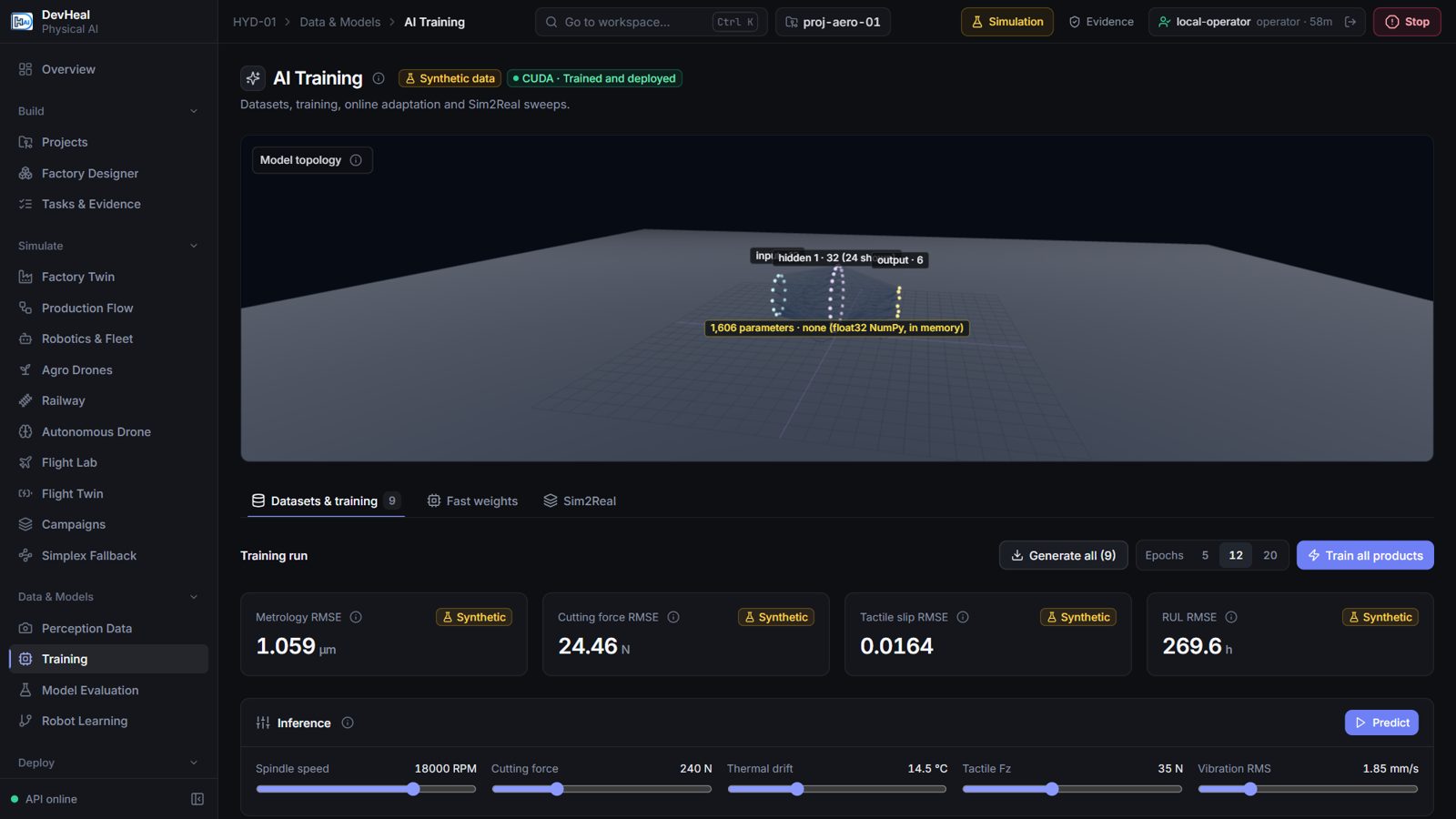
Capture simulated surveys, build labelled datasets and inspect model training curves.
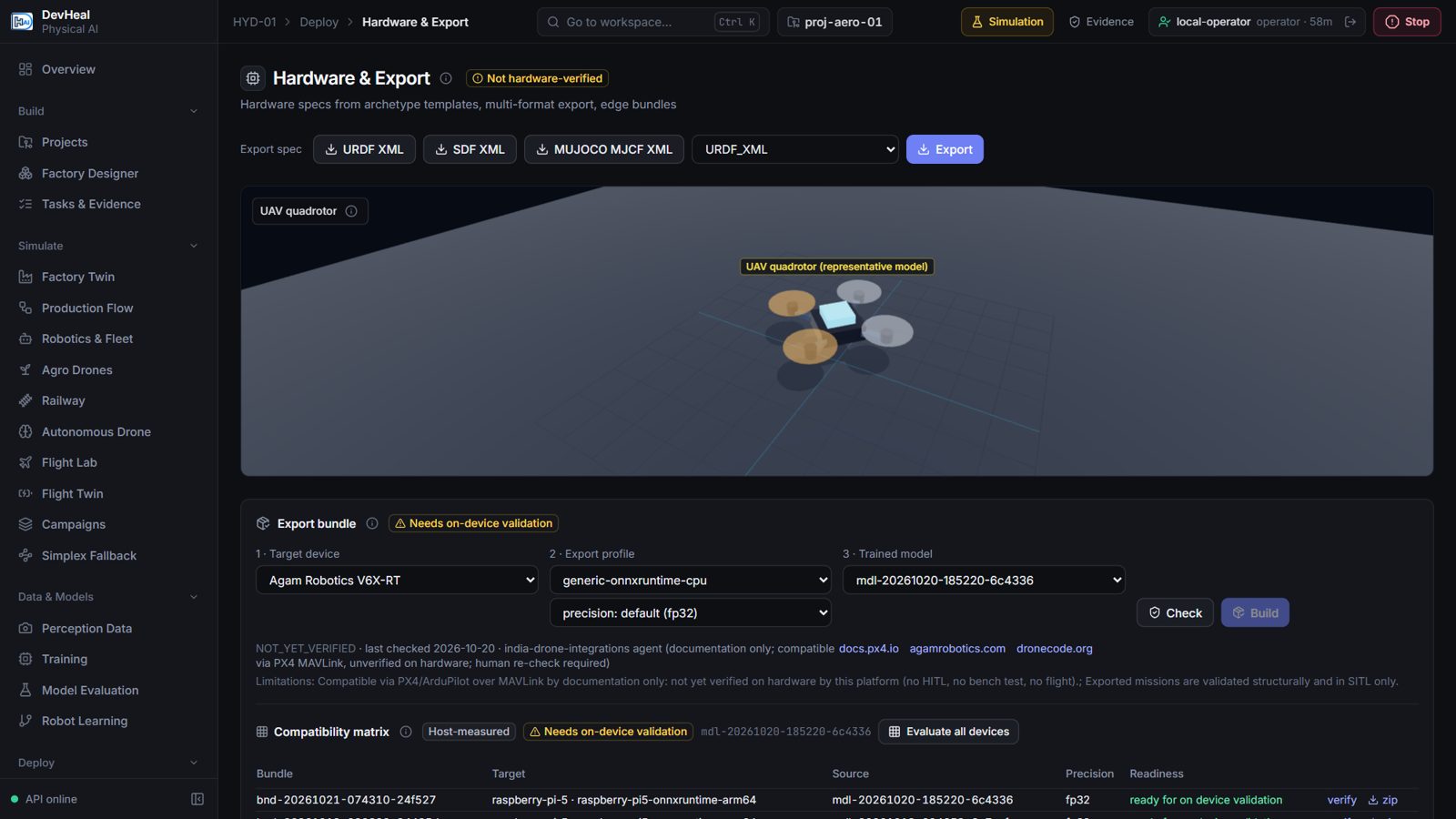
Explore MuJoCo learning workflows, PX4 and ArduPilot software-in-the-loop missions, and hardware export formats.
Discuss ROS 2, MAVLink, OPC UA and VDA 5050 requirements against your selected hardware and deployment environment.
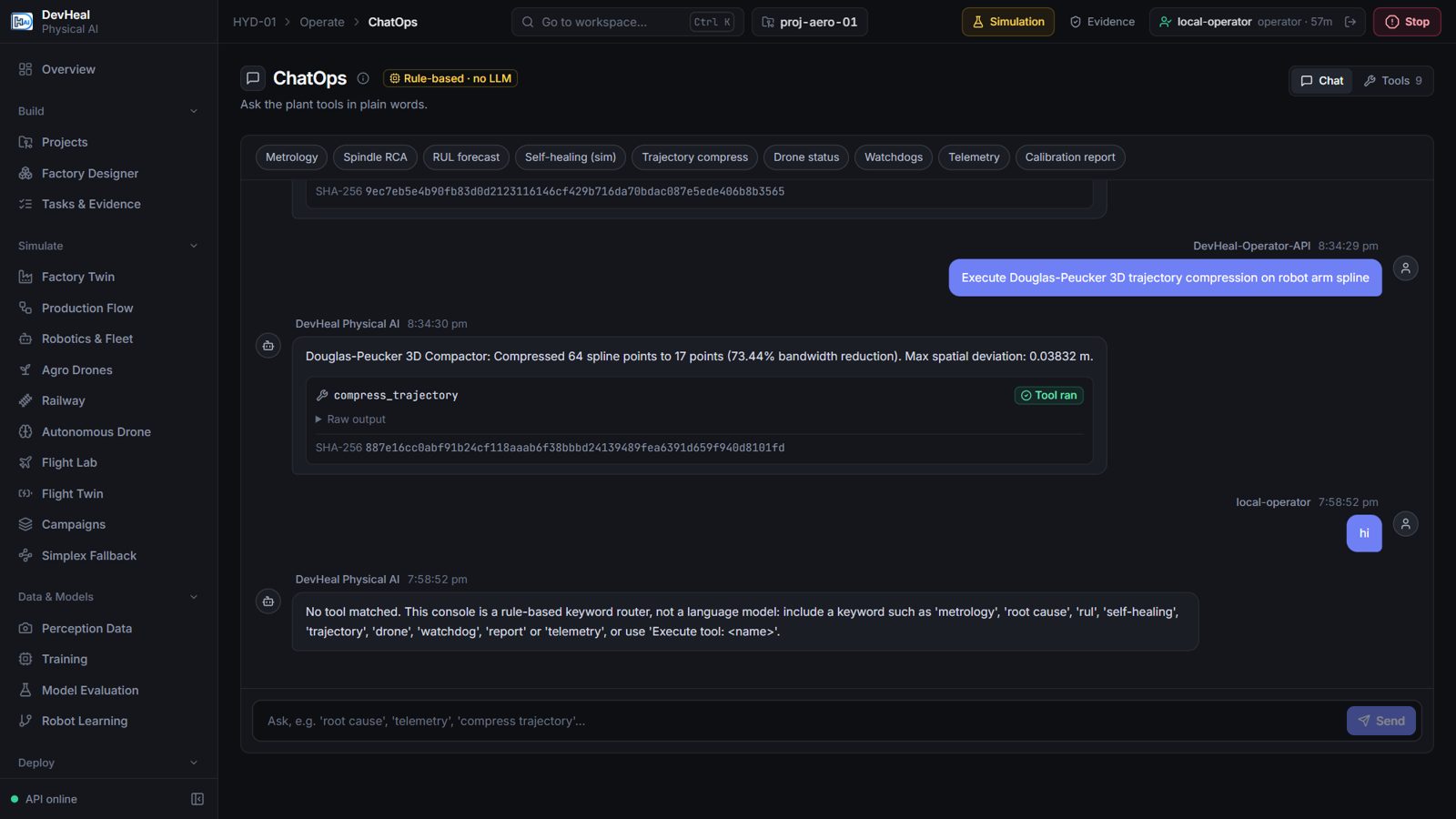
Explore supporting tools in the simulation console. Open an image to inspect it at full size.
Explore a free pilot with DevHeal. We’ll agree a focused workflow, the data and integration requirements, and the measures that matter to your team.
The videos and screenshots show simulation workflows. Hardware integration and field performance are evaluated in supervised pilots; simulation results are not safety certification.